
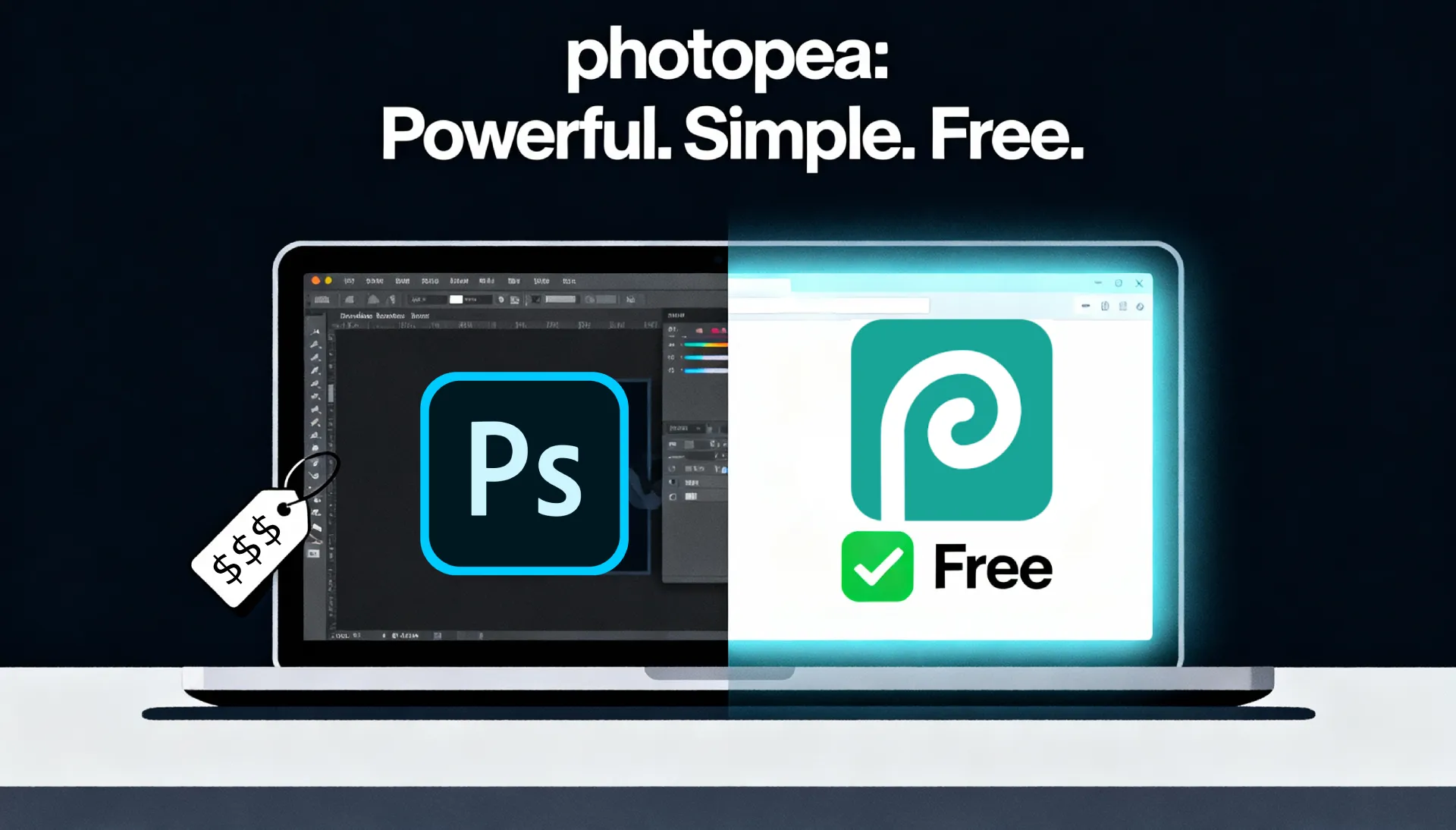
When I switched from Windows to Mac, one of the first things that surprised me was how expensive Adobe Photoshop’s licenses and subscriptions have become. For someone who doesn’t use it extensively, paying that much just didn’t feel worth it. That’s when I discovered Photopea, and honestly, it was a godsend.
Photopea is a fully web-based photo editor that works right from your browser. You don’t need to install anything, which makes it incredibly convenient. The only catch is that you need an internet connection to use it. That’s one reason I keep GIMP installed on my computer as a backup for offline editing. Still, having a powerful tool like Photopea available anytime online makes it more than worth it.
If you’ve used Photoshop before, you’ll feel instantly at home. The layout, tools, and shortcuts are all very similar, so there’s almost no learning curve. It’s surprisingly easy to navigate and use, even for quick edits or more detailed projects.
There are ads that appear every now and then, but they’re not too intrusive, just a small reminder that it’s a free service. Considering how much functionality you get, the ads are a minor trade-off. For those who want a completely clean workspace, you can remove the ads for just $1 per week, which is still very reasonable compared to Adobe’s pricing.
What’s also impressive is how lightweight Photopea is. Because it runs in your browser, it doesn’t drain your computer’s resources, even on older machines. It’s smooth, responsive, and reliable. And if you ever get stuck or can’t figure something out, there’s a wealth of tutorials on YouTube that can walk you through almost any task.
Overall, Photopea is an excellent free alternative for those who need basic to intermediate photo editing tools without committing to an expensive Adobe subscription. It’s convenient, capable, and accessible for everyone. Here’s hoping the ads stay minimal, because right now, Photopea hits that perfect balance between functionality and freedom.